Professional Web Layouts (Part 1)
IMPORTANT I suggest reading the step, full step,
then look at my image. Rather than to read a little and do
it, then keep reading and doing more. Cuz u might mess up,
like make a seletion to big or something.
I'm gonna teach you how to make a pro layout with mainly
layer styles, selections, and gradients. So open up a new
Image, I suggest 720 x 400 pixels. Fill In the background
with a crimson red color. Then make a new layer. Make a
selection, almost covering the whole image from top to
bottom and fill it in with white.

Then, make a new layer and a new selection from top to
bottom at the edge of your wite part. Then fill that in with
a gradient. Deselect it. Then right-click that layer and
select Blending options. Check the stroke option and use
this setting.
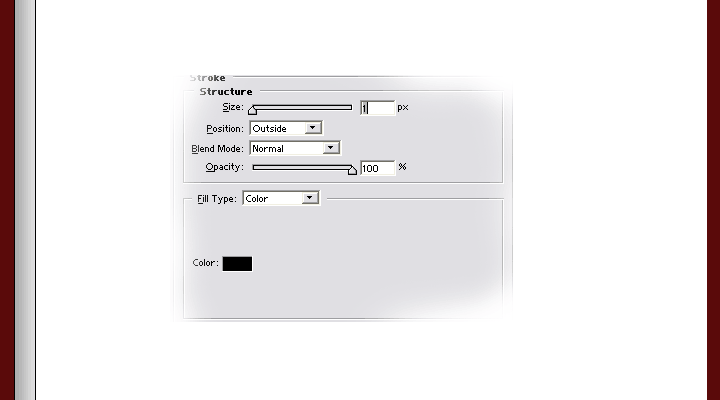
See, your making a border with that gradient. Now adding
the same border to the other side, drag that layer into the
"new layer" button, so that the layer will be duplicated.
Move your new layer to the other side of white space. Then,
press ctrl + t (free transform), and righ click and choose
flip horizontical.
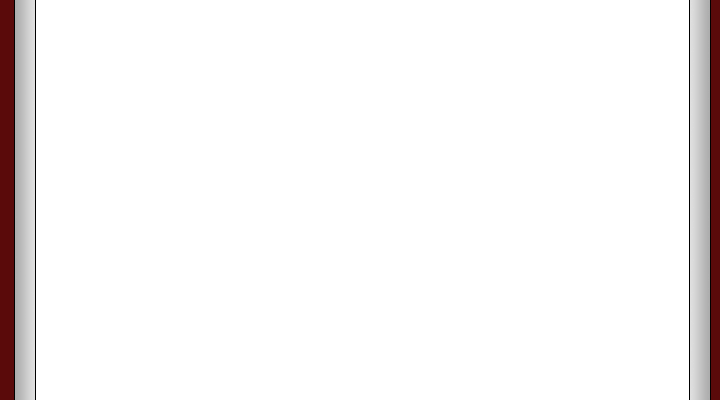
Then, create a new layer. Make a selection from one
border to the other and fill it in with a bright grey. Then,
just like before, add a stroke option exactly the same, a
1px black stroke. But were going to add to it, also add a
drop shadow with these settings
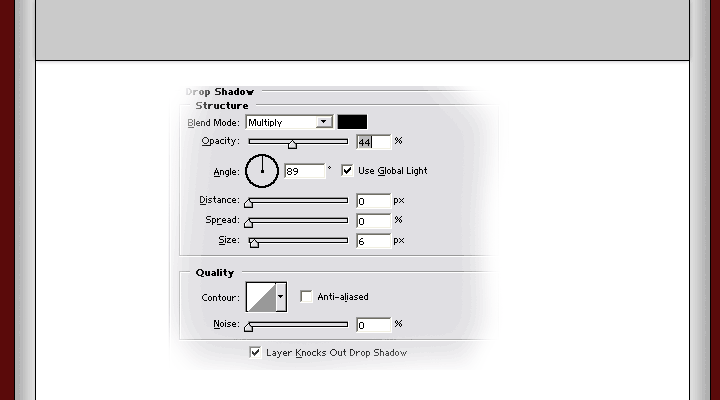
That's the banner space. You can add stuff to make your
banner. Well, moving on, Make a new layer but this time move
the layer right under you banner layer. Then, on that layer,
add a new selection kinda thin, but big enough for text to
fit because this is going to be your menu space. After
making the selection, fill it in with a dull red. and add a
black, 1px stroke like before. Make shure the selection is
from one the black line on one side to the other black line.
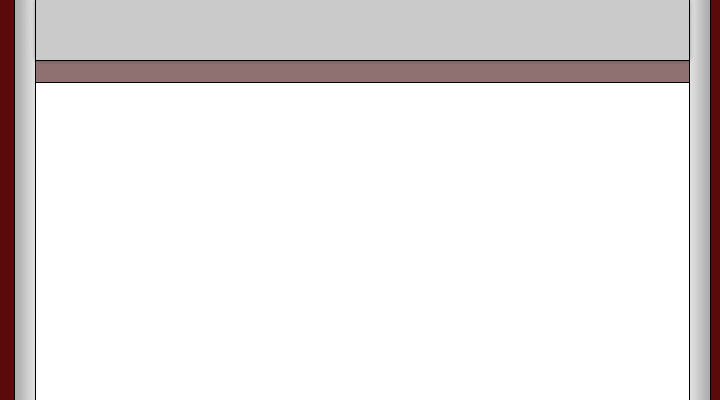
So, just add your menu while your at it.
*** BUT REMEMBER *** The type of fonts you use also
shows how professional you can be. And what colors you use.
So i Suggest a think white text with a black 1px outline.
OK, moving on again. Create a new layer and make a selection
covering enough space for a sub-menu, or a news update
section, or something like that, and fill it in with a brigh
grey. Then, add a 1px black stroke and also a drop shadow,
and an inner shadow like below.
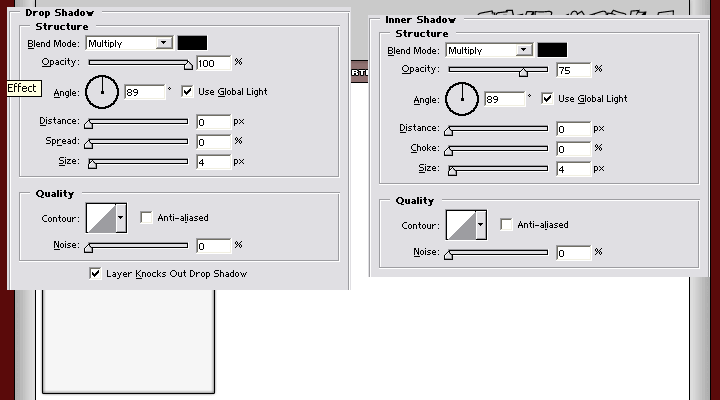
When you got that layer style finished, click the "new
style" and name your style and press ok.
Now, create a new layer and a new selection covering almost
the rest of the white area, this will be the content
section. Fill it in with the same color you used for the
menu section. and use your newly made style on it.
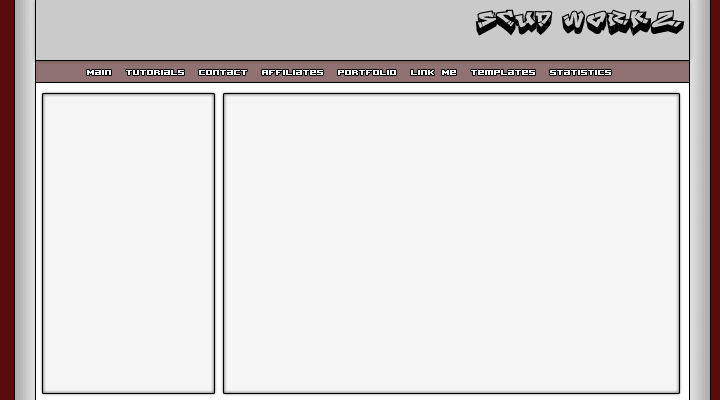
And that's basicly the whole layout. But with a better
banner. the whole layout looks better. Then slicing it up
and converting to html is up to you to learn
<< Web Layouts: Part 1 |
Web Layouts: Part 2 >>
|




 advertisment

 advertisement

 Host With Us: HostingHelper.co.uk From Only $5.00p/m